
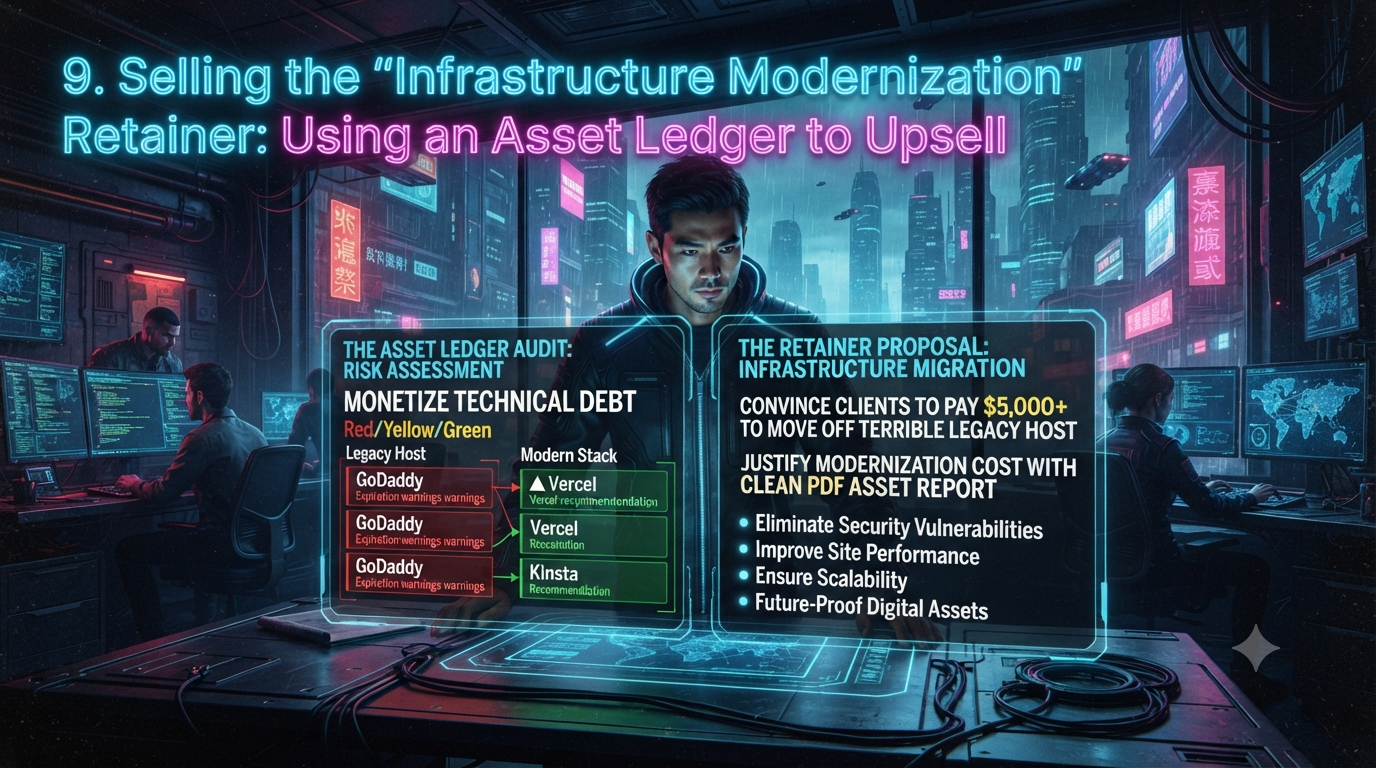
Selling the "Infrastructure Modernization" Retainer: Using an Asset Ledger to Upsell
Every agency owner knows the frustration of pitching a client on a $5,000–$15,000 infrastructure overhaul. Their current site is sitting on slow, shared legacy hosting, their PHP runtime hasn't been patched in years, their SSL certificate renews on a manual loop nobody owns, and their DNS points at a registrar nobody at the company remembers logging into.
Yet when you present a proposal to migrate the client to a modern, decoupled stack — Kinsta, WP Engine, Vercel, or AWS — the reaction is predictably risk-averse: "The site is loading fine on my laptop. Why spend $5,000 to move something that isn't broken?"
The problem isn't the technical case; it's the sales approach. Non-technical executives don't buy server response times, edge caching, or PHP worker threads — they buy risk mitigation and business continuity. To convert a legacy client into a high-ticket modernization project, you need to shift from technical explanation to a visual, data-driven risk audit. Below is a step-by-step framework for running that audit, presenting it, and turning the result into a recurring retainer.
The Psychology of Selling Infrastructure Upgrades
A client who refuses to upgrade is usually anchored on status quo bias: they see a $15/month hosting line item and assume that's the whole cost. The liabilities compounding underneath — patch debt, single points of failure, slow-degrading SEO — are invisible until something breaks.
A simple way to frame the real cost for a client:
Total True Cost = Monthly Hosting + (Downtime Risk × Hourly Revenue)
                  + Security Patching Labor + Lost SEO Traffic (Slow Speed)
The stakes here aren't hypothetical. Downtime cost research is a genuinely wide range depending on company size and methodology, but every credible benchmark agrees it's material even for small businesses. Analytics firm ITIC's 2024 downtime survey puts the average cost for businesses under 25 employees at roughly $1,670 per minute, and 57% of businesses with 20–100 employees report hourly downtime costs above $100,000. A separate, more conservative benchmark widely cited from Pingdom-style monitoring data puts small-business downtime closer to $400–$500 per minute. The honest answer for any specific client is "it depends on their hourly online revenue" — but even at the low end, an afternoon of unplanned downtime is not a rounding error for a business that sells online.
Your job in the sales process isn't to sell "better hosting." It's to run a structured audit that makes the client's actual exposure visible, then let modernization present itself as the obvious response.
Step 1: Run a Real Technical Audit
Before you can pitch a modernization retainer, audit the client's complete digital footprint. Informal notes or a messy spreadsheet won't convey authority in a boardroom — build a proper audit covering:
- Domains — registrar, registrant of record, auto-renewal status, and expiration date
- DNS & nameservers — who manages routing (Cloudflare, Route 53, or the legacy registrar's default DNS), TTLs, and CAA records
- Hosting — server type, PHP/Node runtime version, database engine, storage headroom
- SSL/TLS certificates — issuing CA, expiration schedule, validation type
- Third-party licenses and API keys — premium plugins, payment gateway credentials, transactional email providers (SendGrid, Postmark), analytics accounts
Two current facts make PHP runtime version an especially strong opening finding right now. PHP 8.1 has been fully end-of-life since December 31, 2025 — it receives no security patches at all, of any kind. PHP 8.2, still one of the most widely deployed PHP branches in production, is in its final security-only window and loses even critical security patches on December 31, 2026 — under four months from today. If a client's site is still running 8.1 or 8.2, that alone is a legitimate, dated urgency hook, not an exaggeration.
Domain and ownership research has also changed recently in a way worth knowing for this audit: since January 28, 2025, ICANN no longer requires registrars to run the old WHOIS lookup protocol for generic top-level domains (.com, .net, .org, and similar). The replacement, RDAP, returns structured, more reliable registration data — useful when you're trying to nail down exactly who controls a client's domain before you put it in a modernization proposal.
Step 2: Score the Risk with a Red/Yellow/Green Matrix
Once every asset is mapped, assign each one a plain-language risk status. Non-technical decision-makers respond immediately to color-coded risk, far more than to a technical description.
| Risk Category | Indicator | Typical Triggers | Business Impact |
|---|---|---|---|
| Critical Risk | 🔴 Red | Shared legacy hosting; end-of-life PHP runtime; manual domain/SSL renewals; no offsite backups | High probability of downtime, malware injection, unrecoverable failure |
| Moderate Risk | 🟡 Yellow | Unmanaged DNS at the registrar; single-point-of-failure admin access; premium plugins licensed to former employees; missing security headers | Slow load times, SEO degradation, operational fragility |
| Secure / Modern | 🟢 Green | Managed cloud hosting; automated certificate renewal; current runtime (PHP 8.3+, Node 20+); delegated, granular access | High availability, no single point of failure |
One more current fact belongs in this section, because it changes how "Green" gets defined over the next few years: the CA/Browser Forum's Ballot SC-081v3, approved in April 2025, is phasing out long-lived SSL/TLS certificates industry-wide. As of March 2026, the maximum public certificate lifespan dropped from 398 days to 200 days; it drops again to 100 days in March 2027, and to just 47 days by March 2029. A client still relying on a manually-renewed annual certificate is already on a shrinking runway — automated certificate issuance and renewal (via a managed host, Cloudflare, or an ACME client) is moving from "nice to have" to operationally required.
Run this matrix across a legacy client's stack and a $15/month cPanel host will typically light up red or yellow across most line items — which is the point.
Step 3: Present the Findings to the C-Suite
Don't email the audit as plain text. Schedule a focused 20-minute "Infrastructure Risk Review" with the CEO, CTO, or VP of Marketing and walk through it live. A simple four-act structure works well:
Act I — The Discovery. "We cataloged every digital asset that keeps your web presence running — domains, DNS, hosting, certificates, and licensed software. Here's the full inventory."
Act II — The Exposure. "Right now, a majority of your digital footprint is flagged red or yellow. Your site runs on shared hosting with a PHP version that stopped receiving security patches [on this date]. Your domain renewal is tied to a personal card that's no longer active."
Act III — The Financial Cost of Inaction. This is the step to calculate rather than assert. Take the client's actual hourly online revenue and multiply it by a realistic outage window — that's the floor of what an outage costs them, before recovery labor, emergency developer fees, or lost search rankings. Show your work; a number the client can trace to their own revenue lands harder than a generic industry statistic.
Act IV — The Modernization Prescription. "We don't recommend patching this. We propose a $5,000 Infrastructure Modernization Project: migrate to a managed cloud stack, automate certificate renewal, and move domain and access management into a secured agency system of record."
Framing the project cost against a specific, client-calculated downtime cost turns the proposal from an optional expense into a risk-mitigation decision.
Step 4: Turn the Audit Into an Ongoing Retainer
The technical audit itself — the PHP version check, the DNS review, the security-header scan — is manual work you or your team perform directly against the client's live infrastructure. No renewal-tracking tool does that part for you, and it's worth being precise about that distinction with your team.
Where a tool like InstaRenewal genuinely helps is after the audit, in the part that agencies actually lose money on: keeping the resulting asset list from drifting back into a spreadsheet and an inbox full of expiration emails. Once you've identified the client's domains, SSL certificates, hosting accounts, and software licenses, you log each one — with its owner, its payer, its renewal-notice contact, and its renewal date — into a shared ledger instead of a document only one person remembers exists. From there, it:
- Surfaces plain-language renewal states (expired, urgent, upcoming, safe, unknown) based on the dates you've entered, instead of a spreadsheet that only warns you after the fact
- Automatically checks certificate expiry for supported domains, so an SSL failure doesn't get discovered by the client first
- Tracks who owns an asset separately from who pays for it and who's authorized to act on it — the exact "who pays vs. who owns" gap that turns into a crisis during offboarding or an M&A deal
- Generates a client-ready summary of renewal status, ownership, and payment responsibility you can hand over at a quarterly check-in, without rebuilding it from notes each time
It's worth being equally clear about what it isn't, so it doesn't get oversold internally: it's not a password vault, a project manager, or a full CRM, and it doesn't store passwords, private keys, or API secrets — that part of your access-handover workflow still needs its own tool. It also doesn't automatically detect domain expiry for every registrar and TLD (coverage varies), so some manual entry stays part of the workflow. Used for what it actually is — a shared system of record for renewal dates and ownership — it's the piece that keeps the modernization project from quietly reverting to the same undocumented mess eighteen months later.
Structuring the Infrastructure Modernization Retainer
Once a client approves the initial migration, don't let it end as a one-off transaction. Structure it as the entry point into a standing retainer.
Phase 1 — Initial Modernization SOW ($5,000–$10,000 fixed fee)
- Full migration from legacy hosting to a managed platform (Kinsta, Cloudways, Vercel, etc.)
- DNS migration to a modern edge network (e.g., Cloudflare)
- PHP/database runtime upgrade to a currently supported version
- Consolidation of assets into a central management system
- Offsite backup pipeline implementation
Phase 2 — Ongoing Infrastructure Retainer ($300–$1,000/month)
- Continuous renewal-date and ownership tracking for every asset touched in Phase 1
- Scheduled infrastructure and runtime-version reviews (quarterly is typical)
- SSL certificate renewal monitoring, now more important given the industry's move toward much shorter certificate lifespans
- Uptime monitoring and a defined disaster-recovery/rollback SLA — via whatever dedicated monitoring tool you already run; this sits alongside your renewal ledger rather than inside it
Conclusion
Agency growth depends on moving away from low-margin, reactive hourly work. Clients will pay premium prices when you draw a clear, evidenced line between technical debt and business risk. By running a real audit, scoring it in terms a non-technical executive immediately understands, and keeping the resulting asset list current instead of letting it decay back into a spreadsheet, you turn a one-time modernization sale into a predictable, recurring line of revenue — and you stop being the agency that only gets called after something has already broken.